Vidzcut.
A video editor's portfolio with a built-in dashboard, so the owner updates every video and sentence without touching code.
- Client
- Moizza Fatima — video editor
- Role
- Design, full-stack development, deployment
- Year
- 2026
- Hosting
- Vercel
01 — Overview
What it is
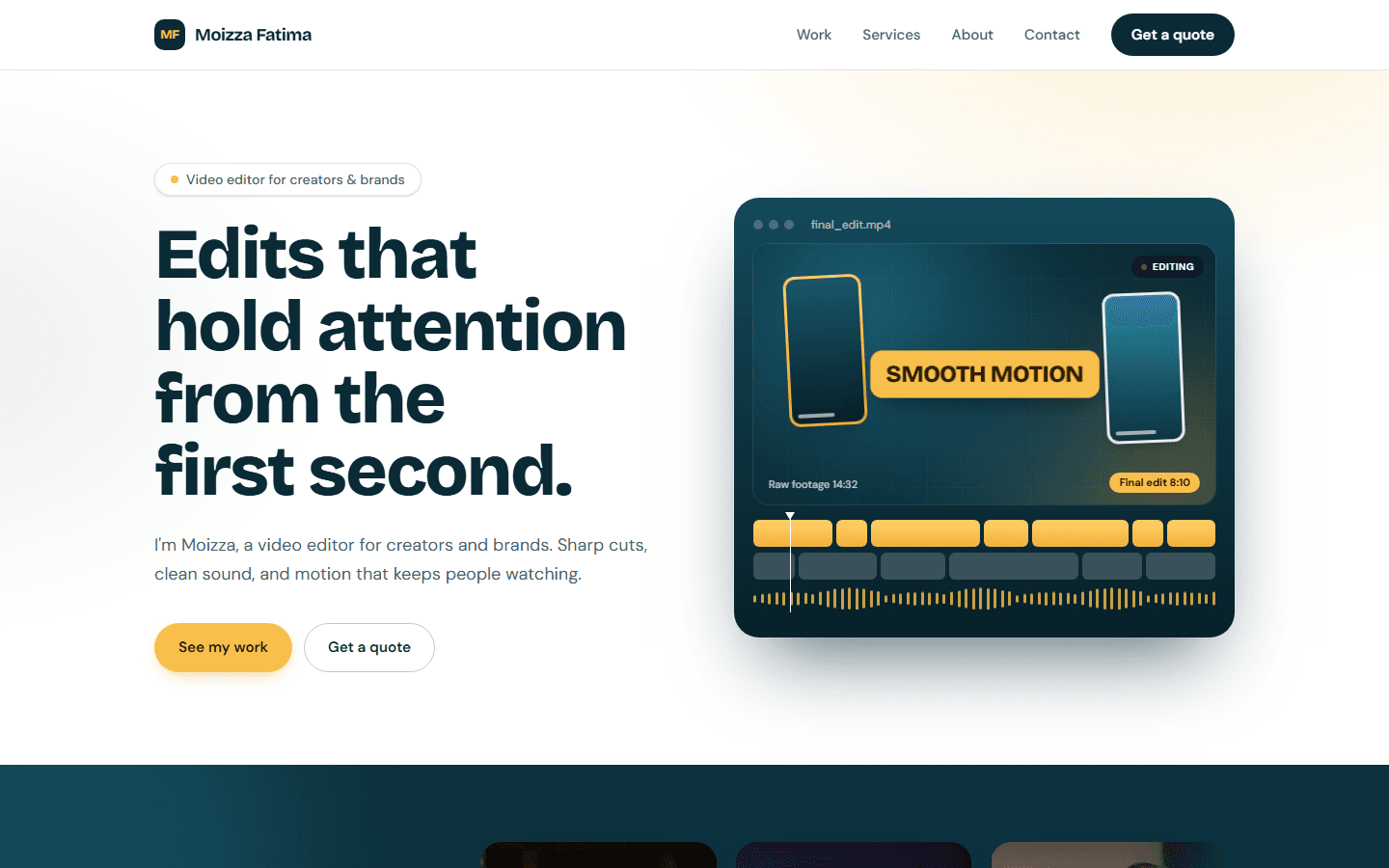
Vidzcut is the portfolio site for a freelance video editor. The public site presents her work in three categories (motion graphics, B-roll, ads) with YouTube videos that preview on hover, plus services, about and contact sections.
Everything on the page is content, not code. A protected /admin dashboard lets the owner paste a YouTube link, reorder or hide videos, rewrite the hero and services copy, change contact details and switch the contact form on or off. Saving in the dashboard refreshes the live page immediately.
The brief was low traffic and zero running cost, so the stack is Next.js on Vercel with a serverless Neon Postgres database, both on free tiers.
02 — Architecture
System at a glance
- 01
Visitor
Browser
- 02
Vercel
Edge + Next.js
- 03
Server components
Read content
- 04
Drizzle ORM
Typed queries
- 05
Neon Postgres
Videos + settings
03 — Technology
Tech stack
Frontend
Backend
Data
Auth & security
Delivery
04 — Flow
How it works, step by step
- 1
Visitor requests the page
Vercel serves the single-page site from the Next.js App Router. Server components read the hero, services, about, contact details and the visible videos straight from Postgres, so the HTML arrives already filled in.
- 2
Content comes from the database
Three tables back the site: admins, videos (category, YouTube id, orientation, sort order, visibility) and settings (JSON per section). Tables are created and seeded with defaults on first request, so a fresh deploy is complete on day one.
- 3
Videos play without hosting video
Videos live on YouTube, so there is no storage or bandwidth cost. Cards show the YouTube thumbnail; on desktop hover a muted looping embed plays inside the card, on mobile a tap plays it, and a click opens a lightbox with sound. Vertical and landscape videos get 9:16 and 16:9 cards.
- 4
Contact form sends mail
The form posts to /api/contact, which checks that the form is enabled, applies a per-IP rate limit, validates the body with Zod, ignores honeypot spam and sends the message through Gmail SMTP with an app password. Replies go straight to the sender.
- 5
Owner signs in to /admin
A proxy checks a signed, httpOnly JWT cookie on every /admin request and redirects to the login page otherwise. The first login bootstraps from environment variables; after that the bcrypt-hashed credentials in the database are authoritative and can be changed from the Account tab.
- 6
Dashboard edits go live instantly
Dashboard forms call Server Actions that re-check the session, write to Postgres and revalidate the public page. The owner sees the change on the live site seconds later with no rebuild or deploy.
05 — Features
What it does
- Hover-to-preview YouTube videos, lightbox with sound, vertical and landscape layouts
- Three work categories with editable descriptions
- Dashboard to add, edit, reorder, hide and delete videos (any YouTube URL format, including Shorts)
- Editable hero, services, about and contact settings stored as JSON
- Optional contact form with honeypot and rate limiting
- Animated editing-timeline hero graphic built from SVG and CSS
- Unit tests for the YouTube URL parser and auth helpers
06 — Decisions
Design decisions
YouTube as the video host
Keeps storage and bandwidth costs at zero and gives reliable streaming. The site only stores IDs and metadata.
Database-backed content instead of a headless CMS
One small Postgres database plus a custom dashboard is cheaper, faster and simpler for the owner than adding a third-party CMS.
Serverless Postgres
Neon auto-suspends when idle and wakes in about a second, which fits a low-traffic portfolio and the free tier.
Defence in depth on auth
bcrypt hashes, signed SameSite cookies, a login rate limit, and a session check inside every mutation, not only at the route level.
07 — Delivery
Deployment
Code lives on GitHub and Vercel redeploys on every push. The Neon integration injects DATABASE_URL; AUTH_SECRET, the first admin credentials and optional Gmail credentials are Vercel environment variables.